

Update:
New AI Tooltip Hub Website!
Check out my new website, I am making sure it’s a resource for everyone to reference when creating products with AI, while preserving the human element.
I am constantly adding my free guides on there, one by one.
Announcement:
A lot of you have been asking for my services, so I made a new system to make it possible for everyone. I’m offering both UI/UX & Coding assistance in multiple tiers.

Turn ChatGPT into a design studio!
After repeatedly running into usage limits with Claude Design, I started wondering:
Could I recreate the same Claude Design experience inside ChatGPT?
What I ended up with is a branding system that keeps all the assets, decisions, and material connected without having to explain the brand again every single time.
A system that is has a guided experience.
A system that learns and evolves.
And the best part is that everything is saved locally on your computer.
So you're not locked into one AI provider. You can switch to another AI later and still keep the same project context.
After testing this workflow many times, I also never ran into usage limits with the ChatGPT $20 plan.
Here’s how the system works.
Everything lives inside one local folder

The entire setup starts with one project folder.
You can download the folder for free from my website:
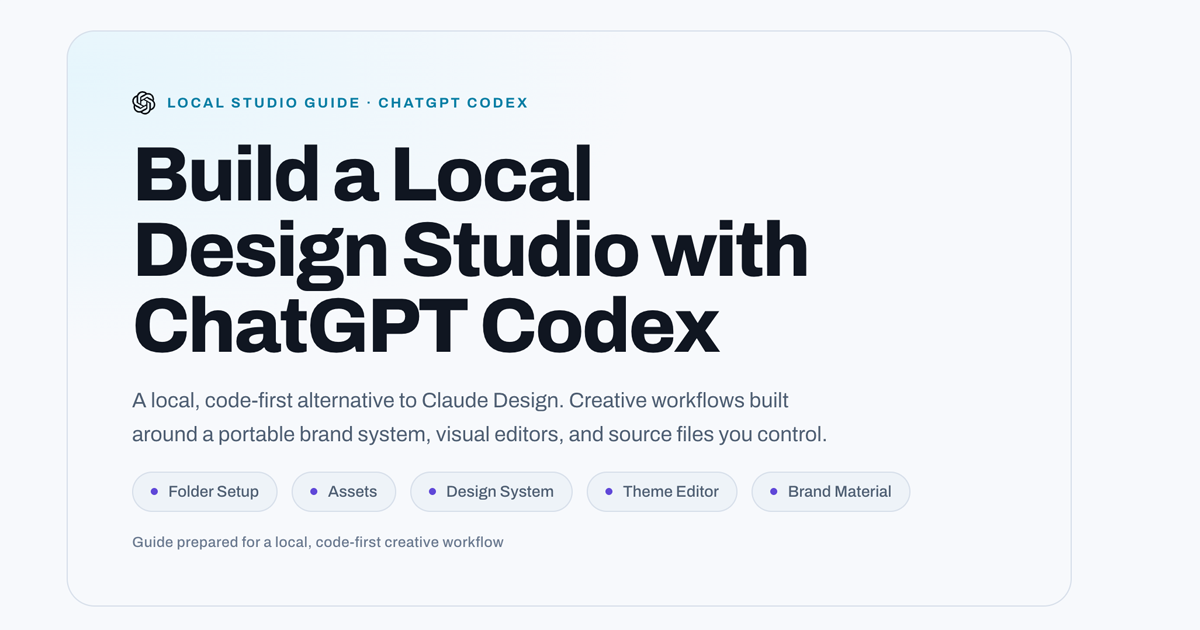
Inside it, there’s an AGENTS.md file that tells Codex how to behave across the project, how to respond to requests, how to stay on brand, and how to keep everything organized.
You can also add your existing logo, brand assets, references, and visual inspiration.
Once you connect that folder to Codex, every new task starts from the same set of directions.
So instead of rebuilding the context every time, the context lives with the project.
The design system becomes the source of truth
Before generating individual assets, the system first creates a design system.
It looks at your references and asks you questions to refine the direction.
This is one of the most important parts of the workflow.
I don't want AI making all the important creative decisions on its own.
I want it to ask questions first.
Once the direction is approved, Codex can create the brand guidelines, colors, typography, UI elements, and styling.
Those decisions are then saved back into the project.
So the folder basically develops its own project memory.
→ You can launch the ‘design system’ to view it locally.
→ You can launch the ‘theme editor’ to make any changes visually.
Every new task builds on what came before
Once the design system exists, you can start new tasks for anything related to the brand.
A logo.
A website.
Social media posts.
Print material.
Animations.
Presentations.
Each task can start in a fresh chat, but because it uses the same project folder, you don't have to explain the brand again.
The approved design system, assets, logo, visual direction, and previous decisions are already there.
And when you approve something new, that can go back into the project too.
So the system keeps getting more useful the more you use it.
The outputs stay editable
Another important part of the workflow is that I don't only want finished AI-generated images.
I want usable files.
So wherever possible, the system creates editable formats like SVGs, PowerPoint files, Word documents, PDFs, and reusable templates.
That means you can continue editing the source files manually, or give them back to the AI and keep working.
You're not stuck with a flat generated image.
Why this is different from a normal AI workflow
Before this, I would generate each design separately and explain the brand again every time.
The alternative was staying inside one huge chat for every project, which eventually becomes difficult to manage.
This system gives you real continuity without relying on one giant conversation.
Everything stays organized locally.
The AI always starts with the approved brand decisions.
And if you want to bring another person or another AI into the project, the context is still there.
That's why I'm calling it a living AI design studio.
The folder becomes the central source of truth, and every new asset builds on what came before.
I go through the full setup and workflow step by step in the video, including how the folder works, how the design system is created, how it carries the brand across different formats, and how to manually edit the design assets.
I made the full starter folder completely free to download from my website.
Try it with your own brand, experiment with the prompts, and let me know if you find any loopholes or ways to make the system better.
I am looking forward to read your comments on Youtube!
Oh… and let me know if you have any feedback on the website, I’d be happy to connect with you!